Every T3 Code project gets its own cloud computer
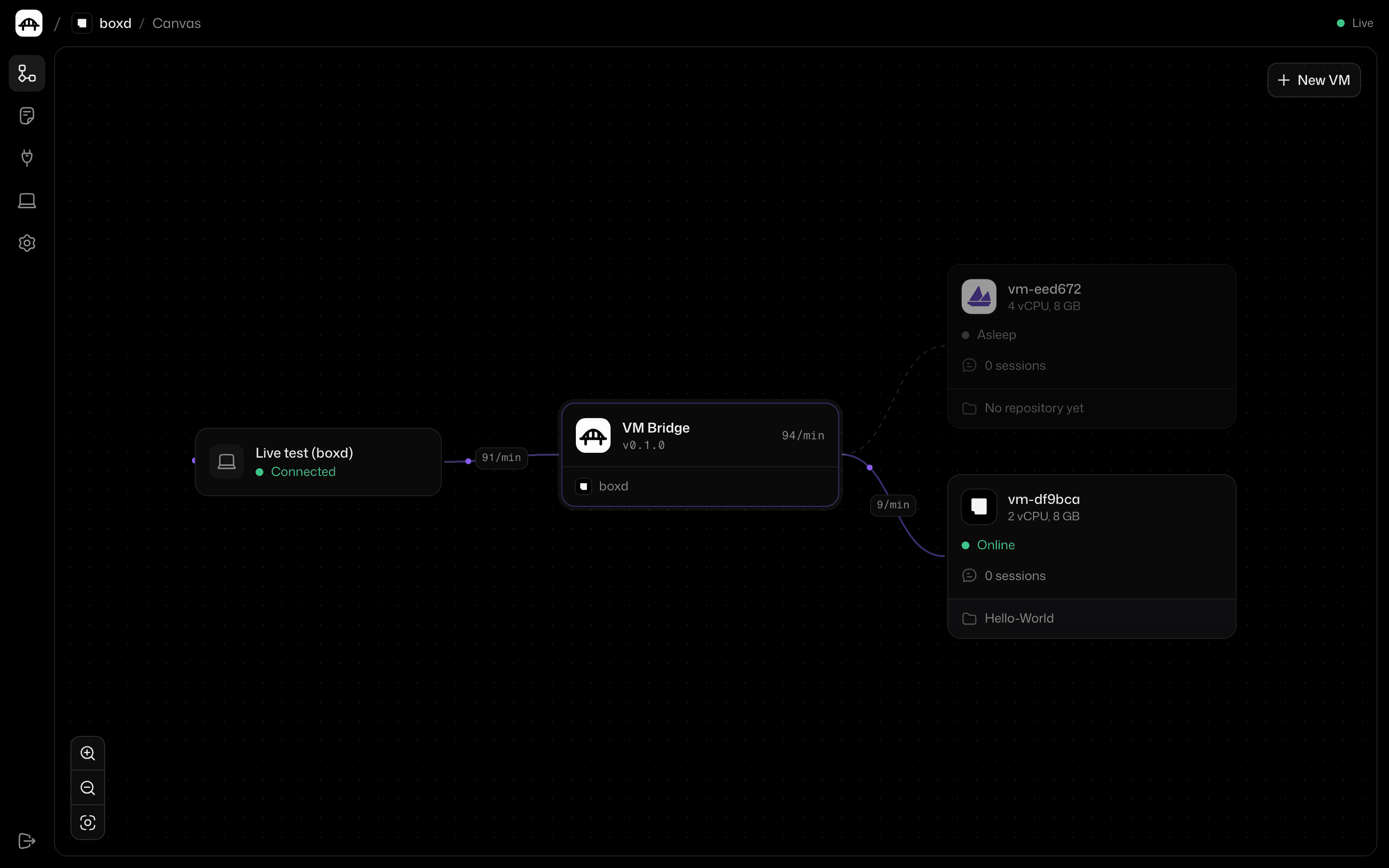
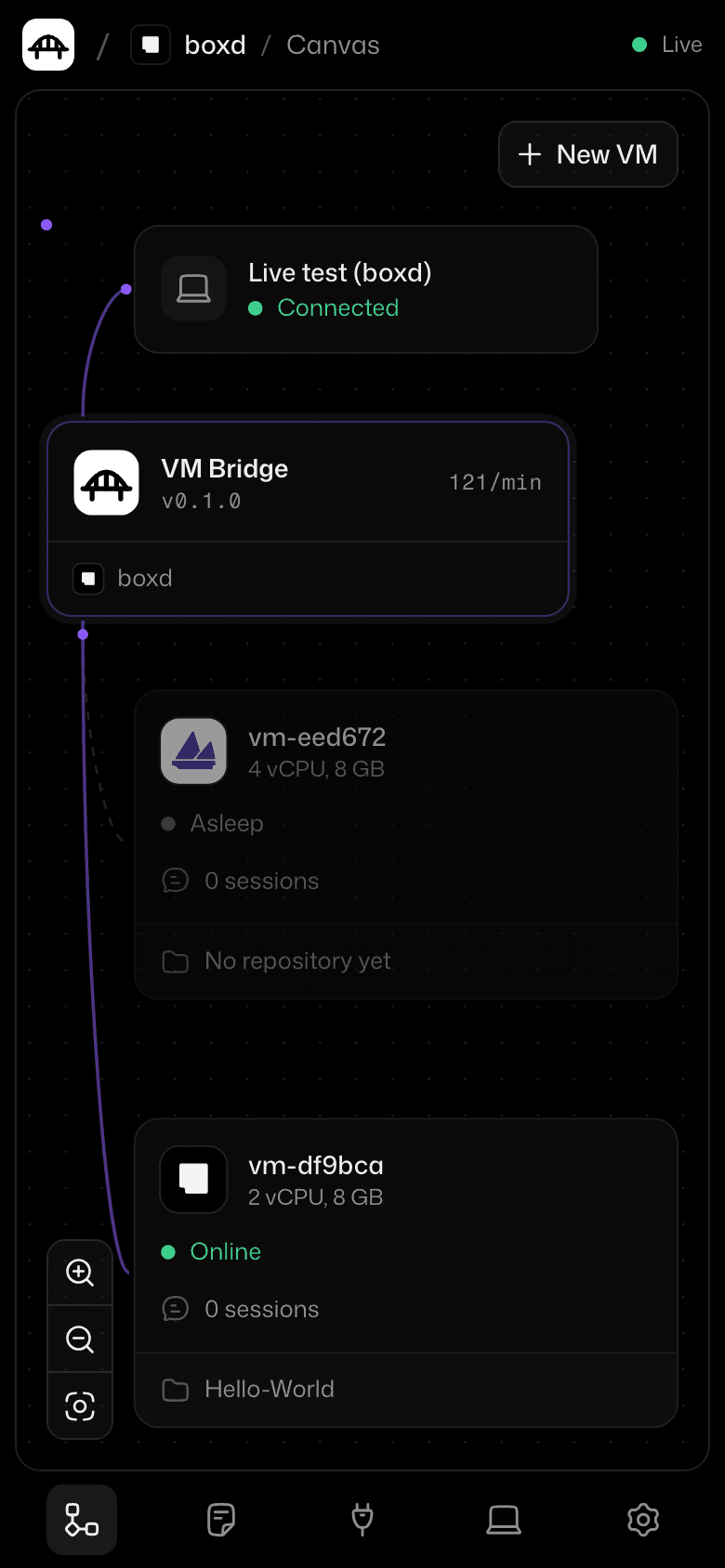
Each project runs on its own cloud VM. It sleeps when you stop, so you don't pay for idle time, and wakes up when you send a message.
$
curl -fsSL https://raw.githubusercontent.com/vkpdeveloper/vmbridge/main/install.sh | shClick a VM to sleep or wake it
From one command to a fleet of VMs
VM Bridge
:3774
Project VM
1 / 7
Run VM Bridge
One file on your Mac or a Linux box. It keeps its data in ~/.vmbridge and serves a dashboard at /dashboard.
$ vmbridge
VM Bridge 1.0.0 is running.
This machine http://127.0.0.1:3774/dashboard
Put a VM to sleep, then wake it up
HWHello-World/ boxdOnline
Make it better
boxdOnlineSet up the project and tell me what it does
It is a small web app. I installed everything and
bun dev runs fine.vm-bo9bca
Online· 2 vCPU, 8 GB
Falls asleep in 10s
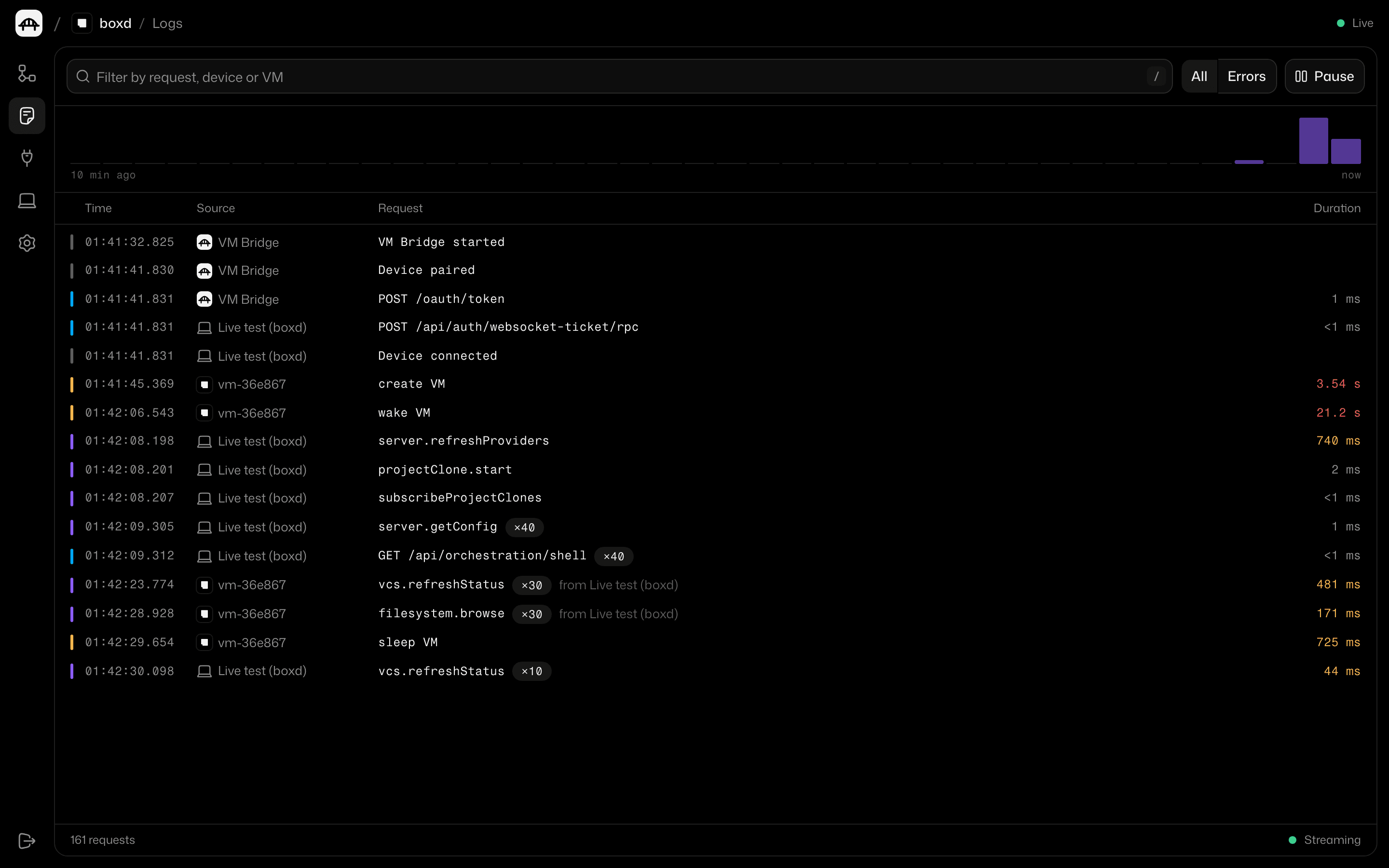
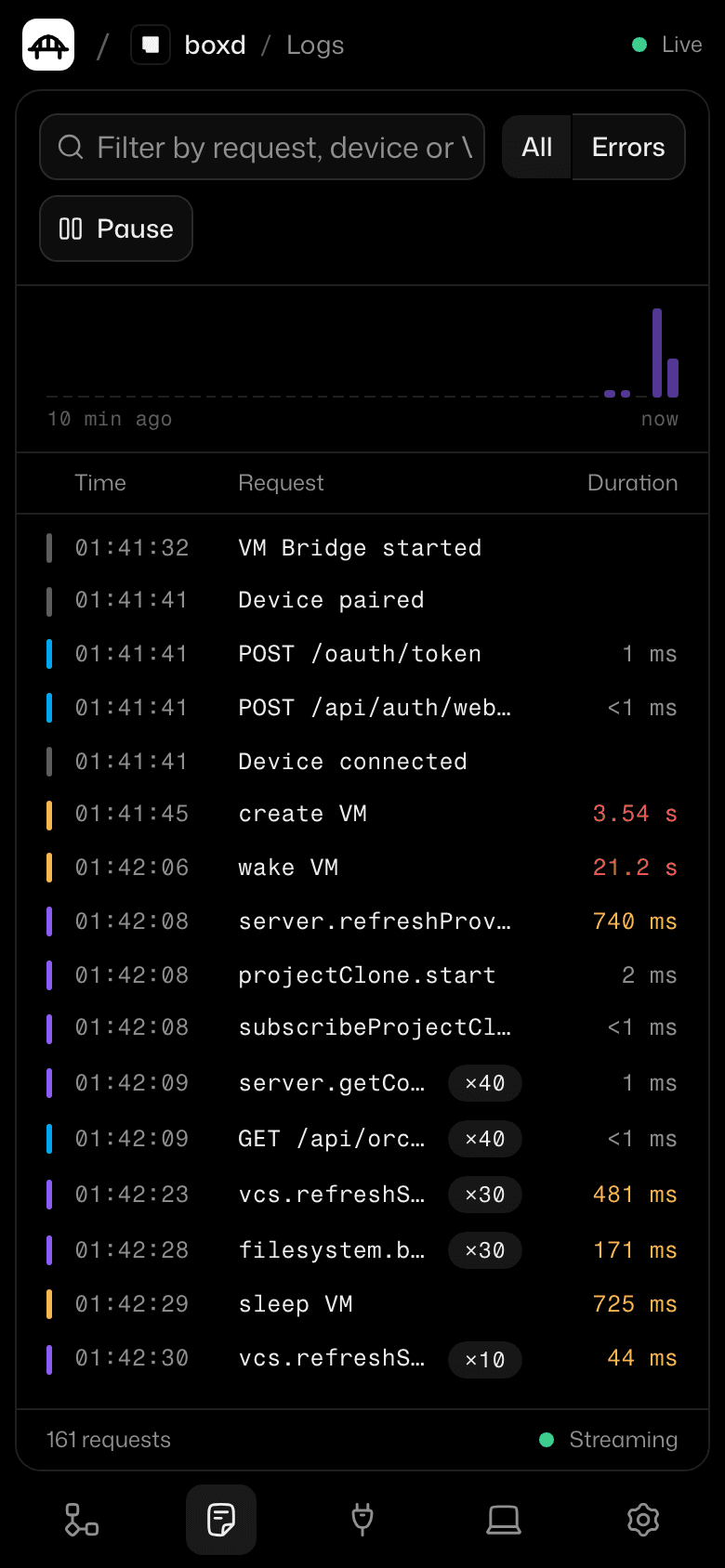
Logs
Send a message to see traffic
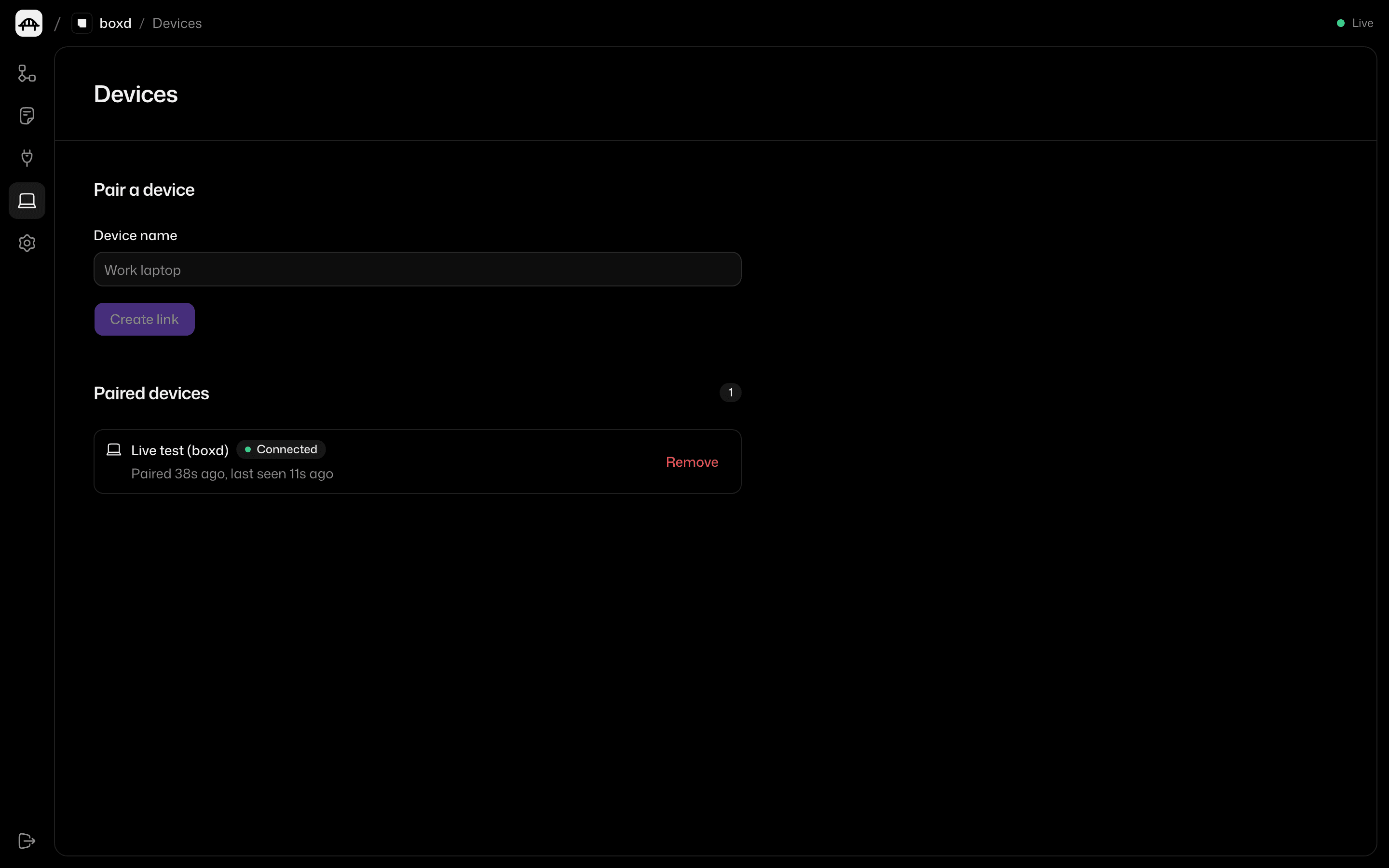
See every device, VM and request
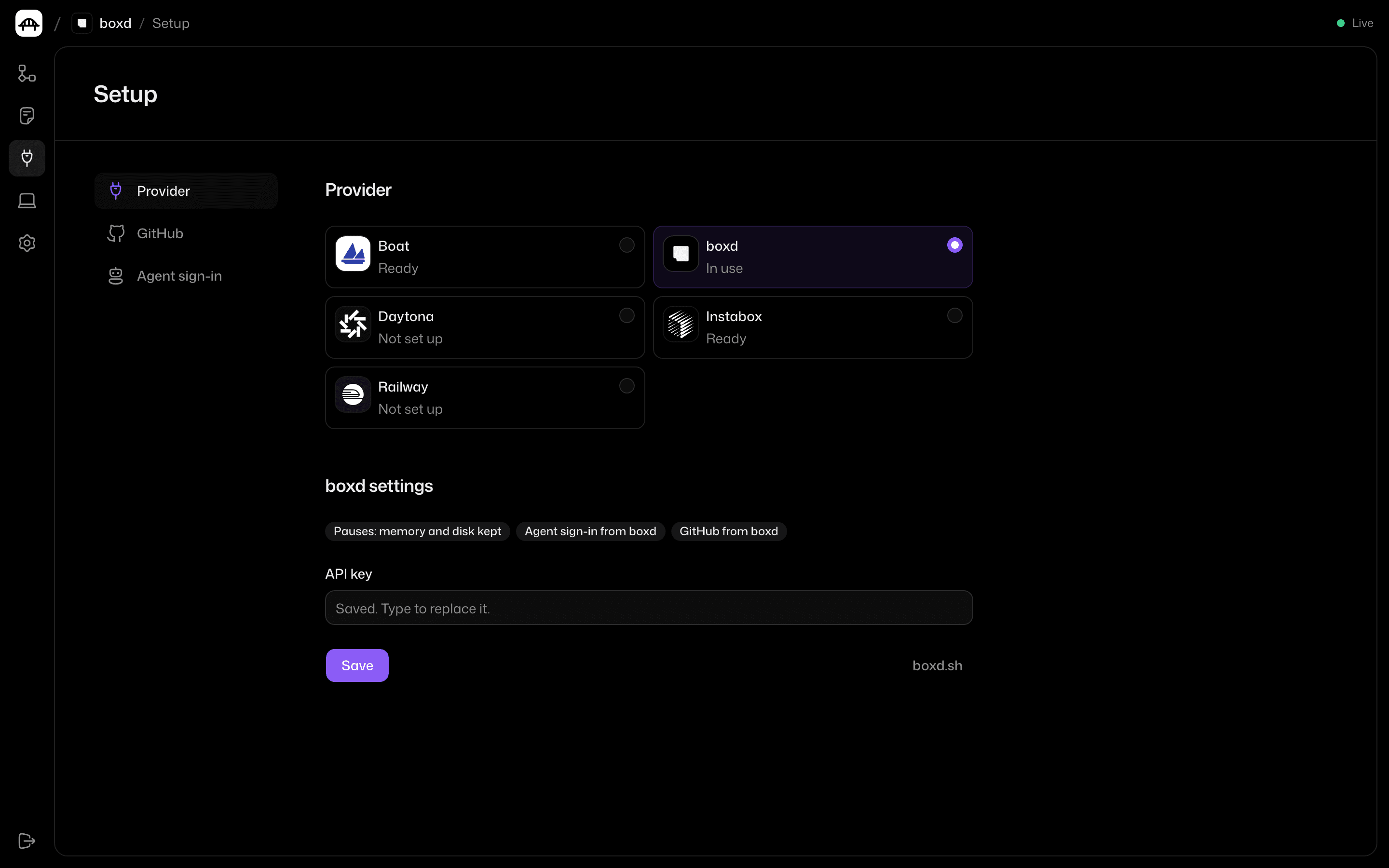
Bring the cloud you already pay for
boxd Instabox
 Daytona
 Boat
 Railway
Runs on your Mac or Linux box
~ (zsh)
Install it in one line
$
curl -fsSL https://raw.githubusercontent.com/vkpdeveloper/vmbridge/main/install.sh | sh